
11 Best AI Tools and Only You Are Enough to Run a Business
Updated on: Saturday, December 06, 2025
The solo founder era is here. You do not need a large team to start or grow a business. The right AI tools can handle writing, design, communication, marketing and planning. These tools make business simple, fast and cost effective. You focus on ideas. They do the rest.
Before we dive into the tools, imagine building a business where the heavy tasks are automated or semi automated and you have creative control. That vision is real when you use the right stack of technology.
1. ChatGPT
Why It is Important:
ChatGPT is your creative partner. It helps you write emails, blog posts, product descriptions and marketing messages in minutes. It also answers questions and builds ideas. (Publisher, May 15, 2025, “Introducing ChatGPT Search”).
How to Use It:
Use ChatGPT to plan a content calendar, write website copy or draft business proposals. It helps you stay consistent and organized.
Pro Tip:
Train ChatGPT with your tone and brand personality to get more natural results.
Official Tool: ChatGPT
ChatGPT can also assist you earn quick money. If you want to charge $497 for something ChatGPT creates for you, then Check this out.
It will help you to earn a good amount of money within no time.

2. Google Gemini
Why It is Important:
Google Gemini connects text, image and data understanding. It helps you research faster and build creative ideas with more context.
How to Use It:
Use Gemini to explore trends, summarize long reports and brainstorm new campaigns. It fits perfectly with Google tools like Docs and Sheets.
Pro Tip:
Pair Gemini with Google Drive for smooth content storage and sharing.
Official Tool: Google Gemini

3. Copi ai
Why It is Important:
Marketing starts with good words. Copy ai writes catchy ads, email campaigns and product descriptions quickly. It helps you speak to your audience in the right tone.
How to Use It:
Use it for Facebook captions, website banners or newsletters. You can test different tones until you find the one that connects best.
Quick Comparison:
Copy ai is best for short marketing lines. ChatGPT is better for detailed strategy writing.
Official Tool: Copy ai
4. DALL E 3
Why It is Important:
Visuals tell your brand story. DALL·E 3 helps you create realistic images from simple prompts. It saves you from hiring a full-time designer.
How to Use It:
Write what you want to see. For example, “a bright workspace with a laptop and coffee mug.” The tool gives you clean visuals you can post right away.
Pro Tip:
Combine DALL·E 3 visuals with Copy ai text to create complete campaigns.
Official Tool: DALL E

5. Microsoft 365 Copilot
Why It is Important:
Office work takes time. Microsoft 365 Copilot saves that time by writing, analyzing and summarizing for you. It works inside Word, Excel and Outlook.
How to Use It:
Ask Copilot to make charts, draft reports or summarize emails. It turns long hours of desk work into simple actions.
Pro Tip:
Use Copilot to keep your business documents updated without retyping every change.
Official Tool: Microsoft 365 Copilot
How Microsoft 365 Quietly Doubles a Freelancer’s Value can be an important article for you in this perspective.

6. DeepL
Why It is Important:
Business is global now. DeepL helps you translate with accuracy and natural tone. It builds trust with clients who speak other languages.
How to Use It:
Use DeepL for contracts, emails and product information. It helps your message stay clear across markets.
Pro Tip:
Translate with DeepL first, then edit the final text with ChatGPT for brand tone.
Official Tool: DeepL

7. Perplexity AI
Why It is Important:
Research takes effort. Perplexity AI gives you answers that are short and clear. It helps you learn and make decisions faster.
How to Use It:
Use it to explore new business ideas, study market trends or compare competitors. It brings you useful insights within seconds.
Pro Tip:
Start each new project with Perplexity. It saves hours of browsing random sites.
Official Tool: Perplexity AI

8. HeyGen
Why It is Important:
Video makes content more personal. HeyGen creates videos from text without filming. It gives you realistic avatars that speak your words.
How to Use It:
Write a short script and select an avatar. HeyGen turns it into a clean professional video you can post online.
Pro Tip:
Use ChatGPT for script writing and HeyGen for production. This combo makes video creation easy.
Official Tool: HeyGen

9. Runway ML
Why It is Important:
Editing can slow you down. Runway ML helps you edit videos, remove backgrounds and add effects with simple clicks.
How to Use It:
Upload your raw clips. The tool adjusts lighting, trims scenes and improves visuals automatically.
Pro Tip:
Use Runway ML to prepare short clips for social media ads or reels.
Official Tool: Runway ML

10. Zapier AI
Why It is Important:
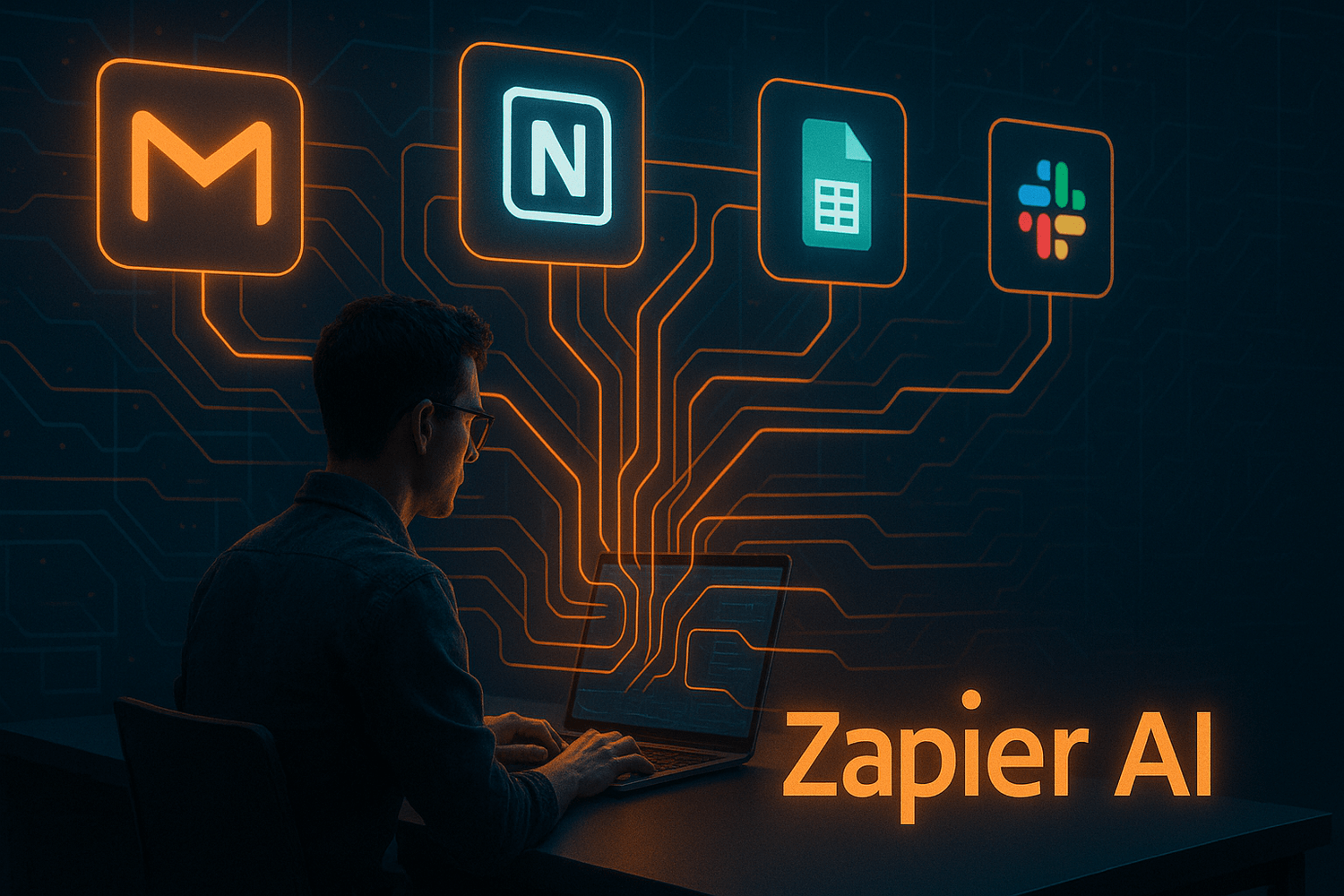
Running a business alone means many small tasks to repeat every day. Zapier AI connects your favorite apps and automates actions for you. It saves hours by linking tools like Gmail, Notion, Google Sheets and Slack.
How to Use It:
Set up triggers such as “when a form is submitted, send an email” or “when a task is done, add it to Notion.” Zapier AI executes these steps automatically. You keep working on ideas while your system runs in the background.
Pro Tip:
Use Zapier AI to connect your creative tools with your project trackers. It makes your business flow nonstop, even when you are offline.
Official Tool: Zapier AI
11. Notion AI
Why It is Important:
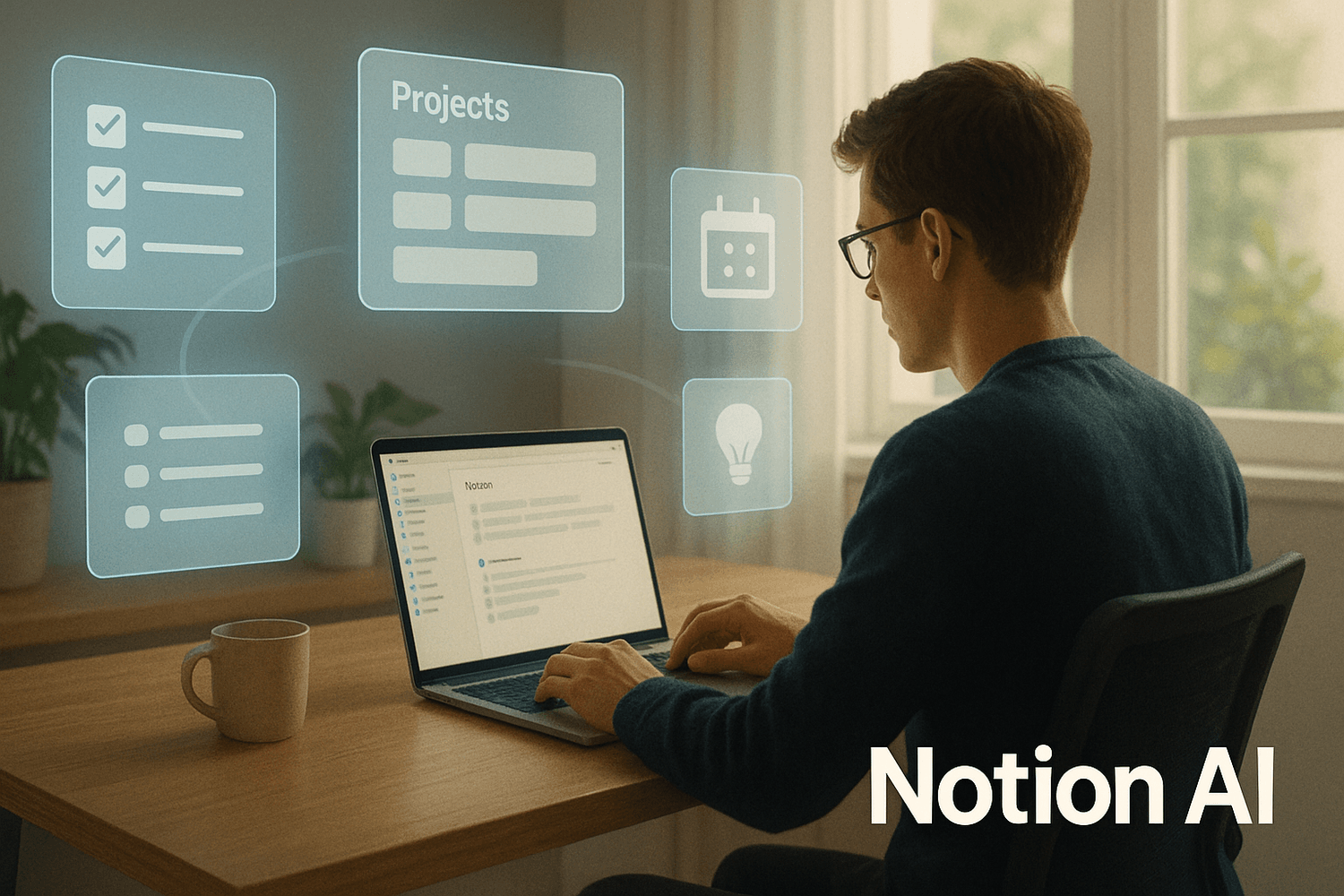
A solo business needs clear organization. Notion AI keeps notes, tasks and goals in one place. It helps you track progress easily.
How to Use It:
Create sections for planning, clients and projects. Notion AI can also summarize notes and generate quick ideas.
Pro Tip:
Use Notion as your business hub. Connect all your workflows in one simple dashboard.
Official Tool: Notion AI
Building Your One Person AI System
Link these tools together. Use ChatGPT to plan, Copy ai for marketing text, DALL·E 3 for visuals, HeyGen for videos and Notion AI to organize. Add Copilot for reports, DeepL for translation and Perplexity for insights. This mix creates a system that runs almost like a small digital company with you at the center.
Let this become your workflow backbone. Build it, refine it, repeat it.
To know more about AI and its best utilization, you can read AI and Machine Learning Maximize Freelancers’ Online Income and 5 AI Freelance Services Taking the Industry by Storm. If you are keen to earn money through AI, read Top AI Side Hustles Pay Over $2,000/Month and The $29 AI Shortcut Outsmarts $1,000 Software.

Don’t want to build a business? Find your perfect flexible online job using Remote Job Finder AI.
Frequently Asked Questions (FAQ)
Use AI tools for daily work like writing, design, communication and planning. They automate repetitive jobs so you can focus on creativity and decision making.
Notion AI keeps everything in one place. It helps you track goals, client updates and creative ideas in real time without confusion.
Combine DALL E 3 for visuals, Copy ai for captions and HeyGen for short videos. This mix gives you a full content studio feel without hiring anyone.
Perplexity AI delivers quick answers and insights. It helps you learn new topics, understand your market and prepare strategies faster.
Use Microsoft 365 Copilot to summarize, write and edit inside Word, Excel and Outlook. It keeps your documents ready while you work on ideas.
Zapier AI links tools like Gmail, Notion and Sheets so tasks run by themselves. It builds a system that keeps your business active even when you log off.
Conclusion
You and these AI tools are truly enough to run a business. Each one handles key work so you can focus on growth. Build smart systems. Stay curious. Keep improving your workflow. The future belongs to creators who think independently and use technology wisely.
Even without doing business or being in regular job role, if you want to earn quick money, access The Quick $750 Hack ($49 Value) for a 100% discount. You will learn the only way to make money as fast as humanly possible here.


The Money Hacker