
How to Create Scroll Animation with 3 Lines of CSS
Scroll feels dull until motion responds perfectly. Many builders still stack scripts while pages slow down. Others spot a cleaner shift inside modern Cascading Style Sheets (CSS). 3 properties now replace heavy logic and deliver smooth scroll animation without friction. The divide separates cluttered layouts from fluid experiences users remember. This article shows how to create scroll animation with 3 lines of CSS and why modern layouts gain speed, clarity and impact instantly.
Why Scroll Animation Still Matters
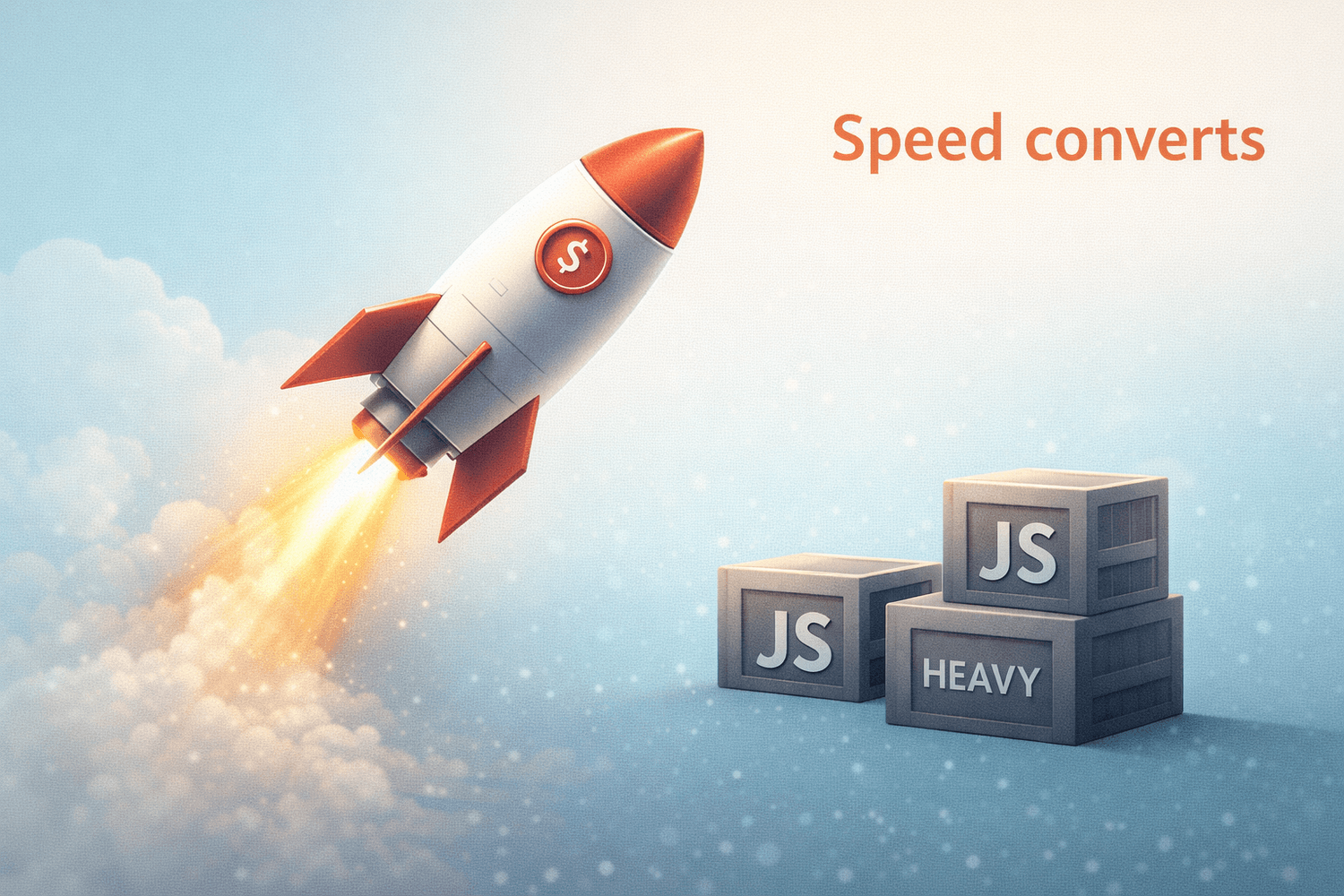
Scroll animation is everywhere on modern sites because it adds depth and context to content. Designers use motion to bring focus to key parts of a page so visitors stick around longer and engage more. Traditionally, this meant JavaScript designers had to tie animation progress to scroll events manually. That pattern worked but came with performance baggage and a lot of extra code (CSS-Tricks, Jan 6, 2025, Unleash the Power of Scroll-Driven Animations). Now CSS itself can track scroll progress and map it directly to animation playback. That means fewer files to load, less logic on the main thread and smoother interaction. Faster interactivity often equals higher conversions and better retention, especially on landing pages and product funnels.

Cleaner interfaces also align with how creators now optimize digital assets for speed and monetization, especially when performance directly affects earnings and visibility, as explored in The Money Hacker’s breakdown of scalable digital systems (The Money Hacker, December 17, 2025, Complete Blueprint to Earn 2000 Dollar with Horse Girl Aesthetic). Speed clarity and focus consistently outperform bloated experiences.
Scroll Timelines Instead of Time
The heart of this CSS magic lies in scroll driven animations. The CSS specification introduces a model where animation progress is tied not to seconds but to scrolling position. That means animation scrubs forward and backward in direct response to user motion. Workloads that once required script all live inside the browser’s rendering engine, off the main thread, which protects performance (MDN Web Docs, Jul 14, 2025, CSS scroll-driven animations).
Under the hood, the browser now supports scroll and view timelines. Scroll timelines base animation progress on scrolling a container element, while view timelines focus on when an element enters and exits the view port. These models eliminate the need for manual scroll watchers that often hurt responsiveness and delay first content paint.
The 3 Line CSS Pattern
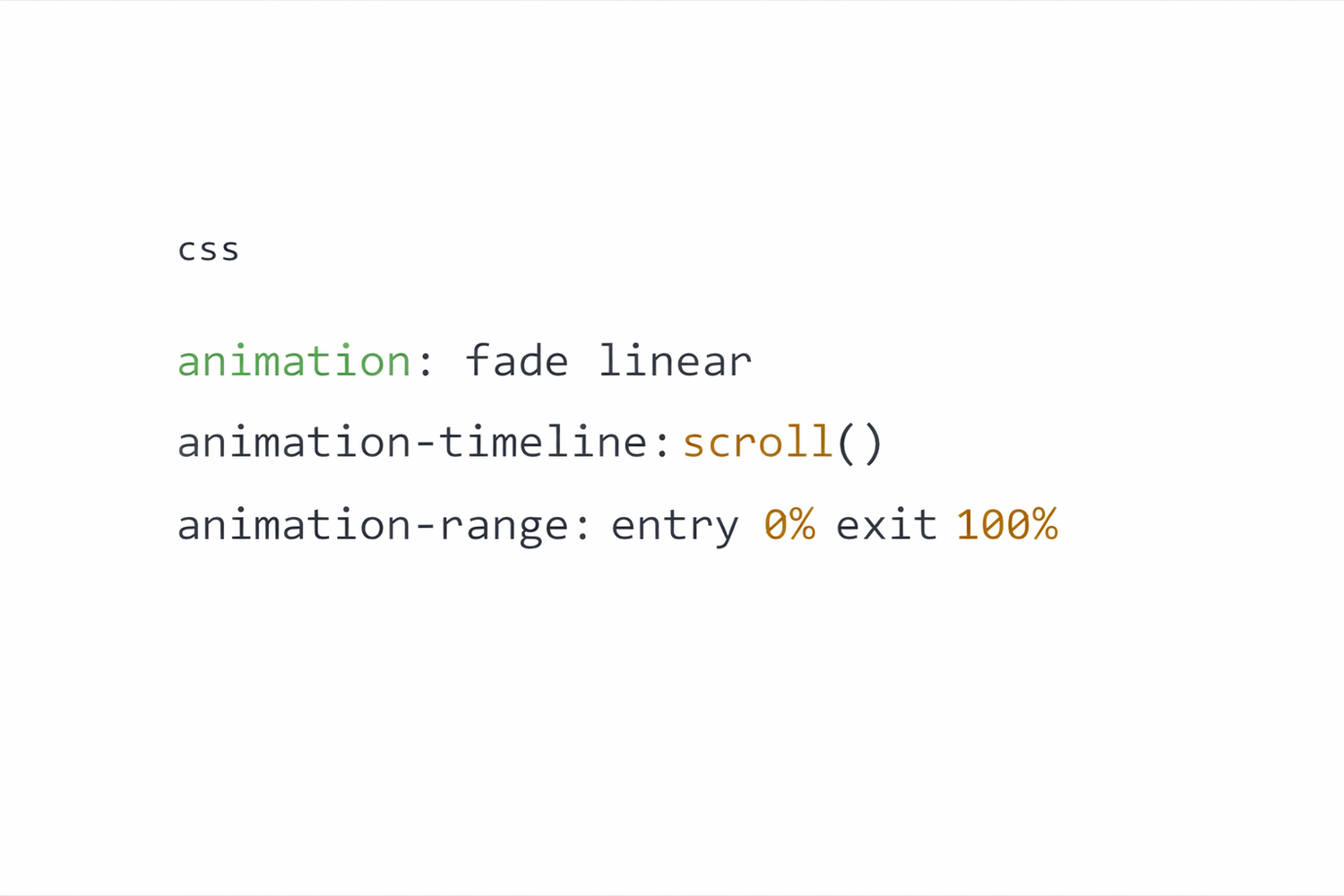
This is the entire pattern:
animation: fade linear
animation-timeline: scroll()
animation-range: entry 0% exit 100%
Chrome’s official documentation confirms scroll timelines as the recommended approach for scroll linked animation (Chrome for Developers, May 5, 2023, Animate elements on scroll with Scroll-driven animations).
The browser handles synchronization. Code remains declarative.
What Each Line Controls
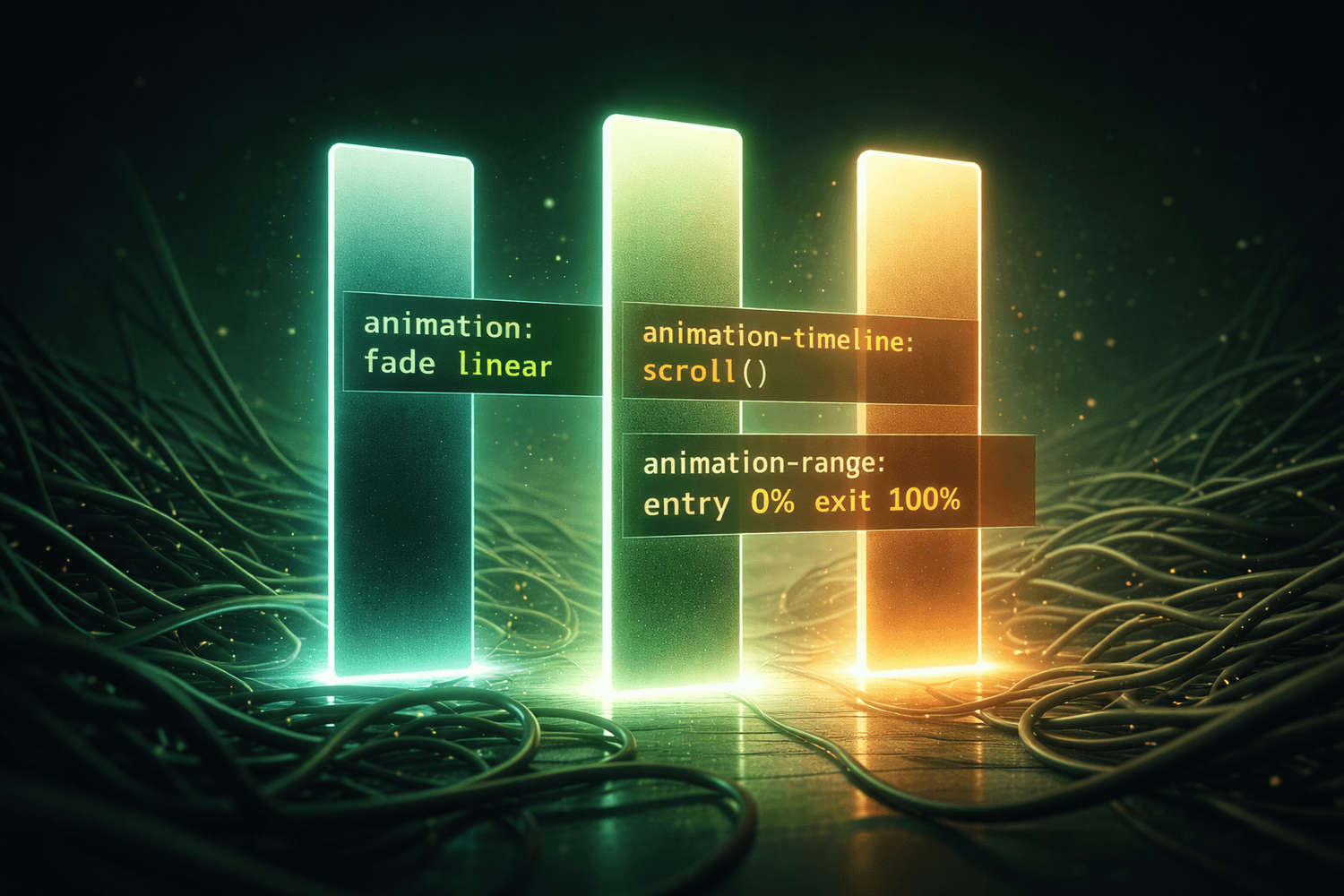
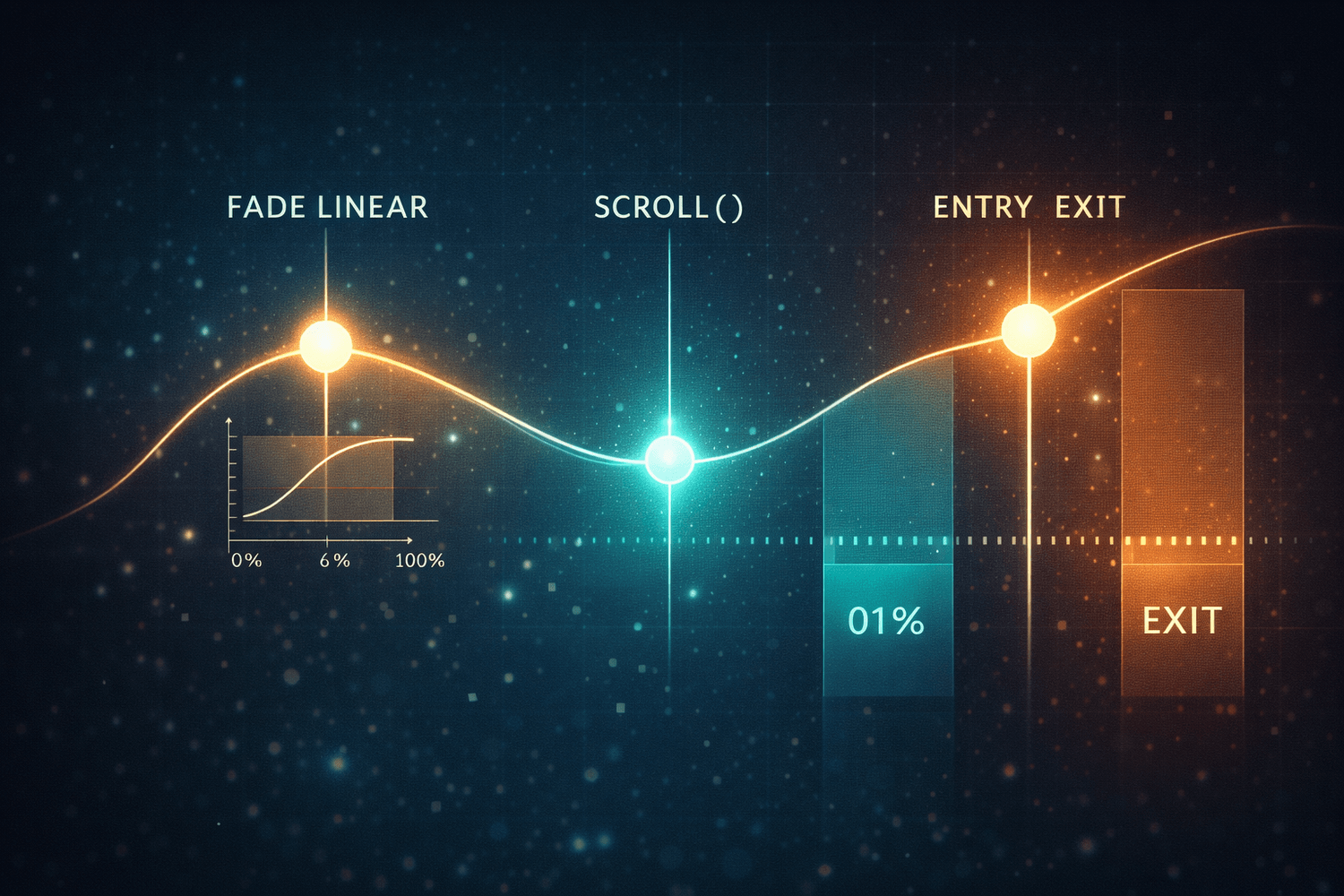
animation: fade linear defines which key frames run and ensures motion follows scroll smoothly.
animation-timeline: scroll() binds animation progress to the document scroll timeline. MDN describes this as mapping scroll position directly to animation progress without scripting (MDN Web Docs, Nov 26, 2025, scroll-timeline). This makes reverse scrolling feel natural rather than forced.
animation-range: entry 0% exit 100% sets when motion begins and ends relative to viewport visibility. Precision here prevents over animation and visual fatigue.
Define Motion Once
You still need a keyframes block. That’s where motion style lives:
@keyframes fade {
from {
opacity: 0
transform: translateY(30px)
}
to {
opacity: 1
transform: translateY(0)
}
}
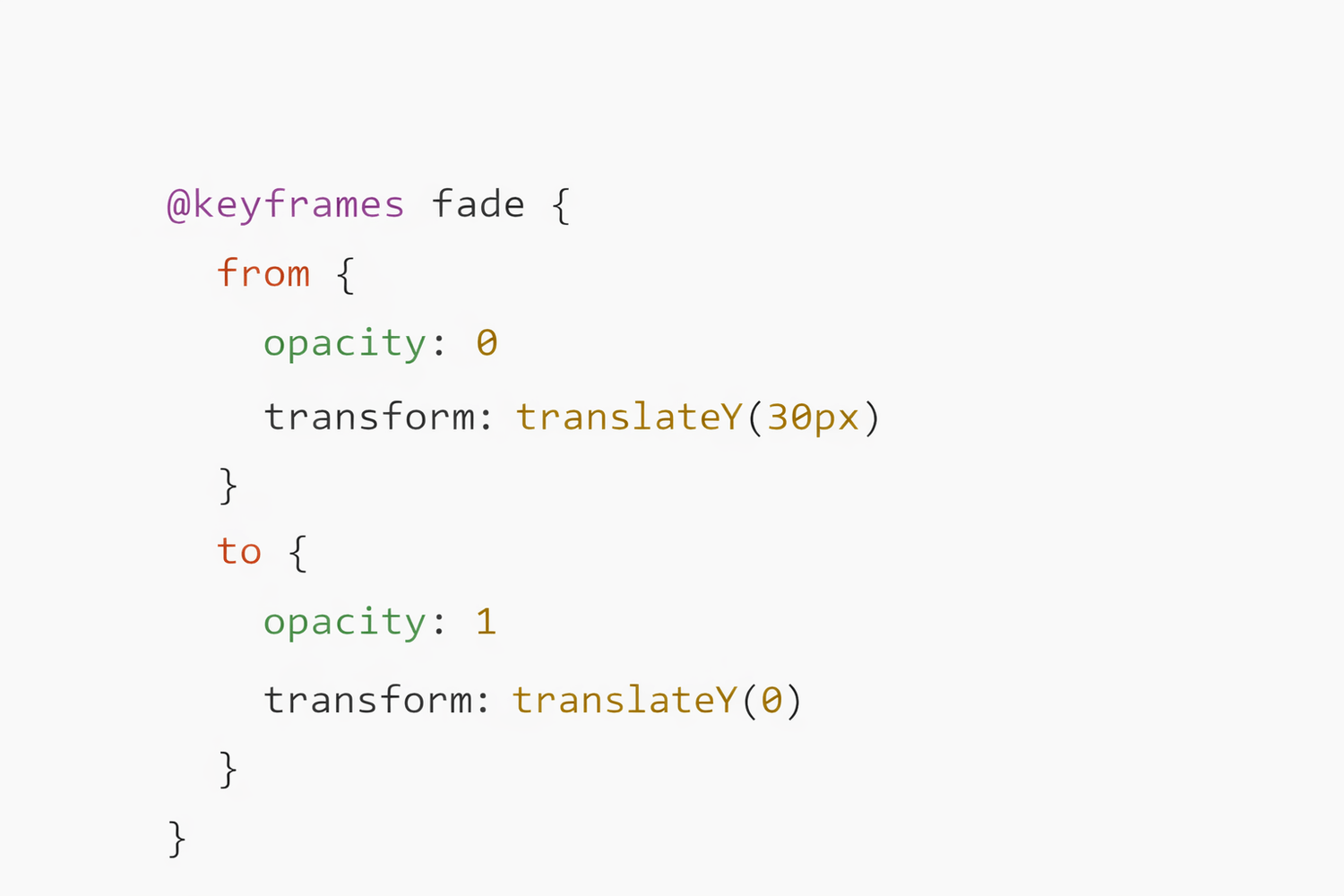
This block says the element fades in while sliding up a bit as it scrolls in. It’s a classic pattern for cards, headers, hero elements and feature blocks. Compact motion like this still packs emotional impact without heavier animations that distract or confuse.
Why This Boosts ROI
Adding scroll animation without JavaScript is not just cleaner code. It also improves performance by reducing script weight and CPU load on mobile devices. Heavy scripts delay pages becoming interactive and can worsen bounce rates and session time. Faster, simpler pages often keep readers longer and support higher conversion signals in analytics. Sites that load faster also rank better in search because Core Web Vitals are a key part of modern SEO. Better hosting and infrastructure contribute to performance too, so choosing tech that keeps pages responsive and stable under load supports long term growth (The Money Hacker, December 27, 2025, Cloud Hosting vs Web Hosting for Starting a Blog).
This integration ties the performance benefits of CSS scroll animations to infrastructure choices that also affect speed and visibility.
Practical Ranges for Real Layouts
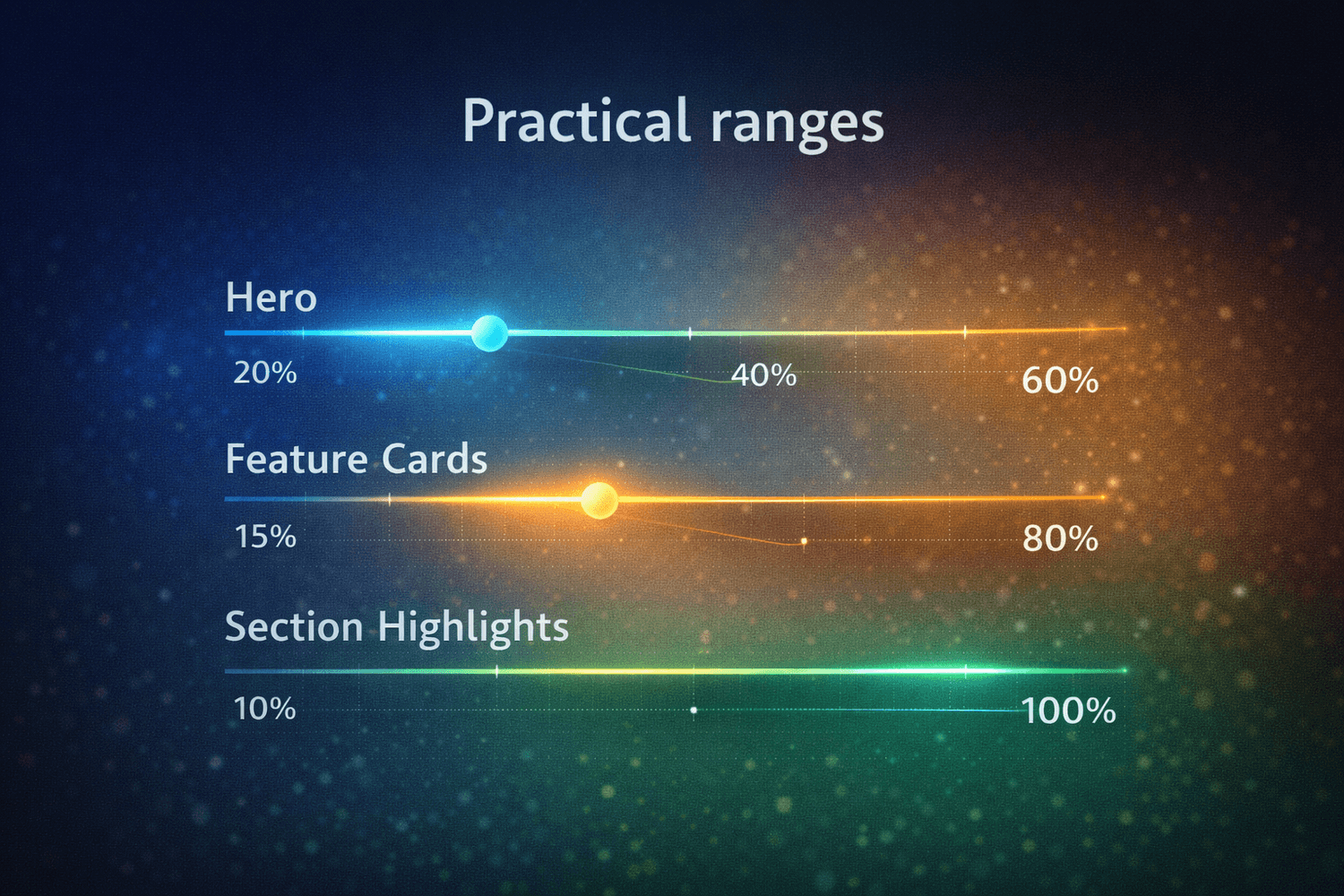
Fine tuning is not optional. Optimal animation range depends on context.
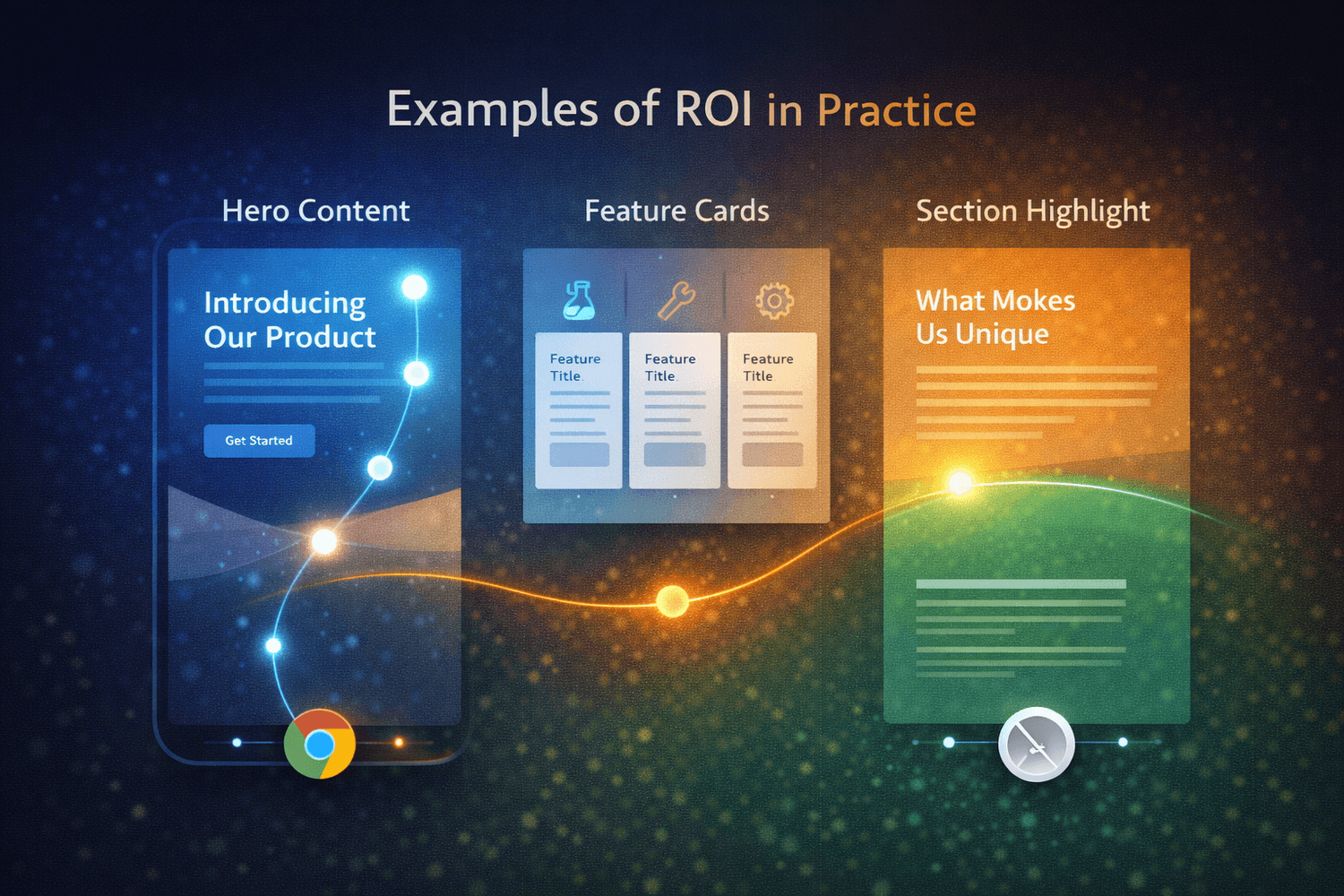
a. Hero content uses a narrower range so motion completes quickly.
b. Feature cards apply slightly broader ranges so elements finish moving as they arrive.
c. Section highlights use entry and exit values to extend motion throughout the user scroll journey.
Playing with these ranges controls perceived speed and prevents motion from feeling abrupt or sluggish on large screens.
Browser Reality and Fallback Strategy
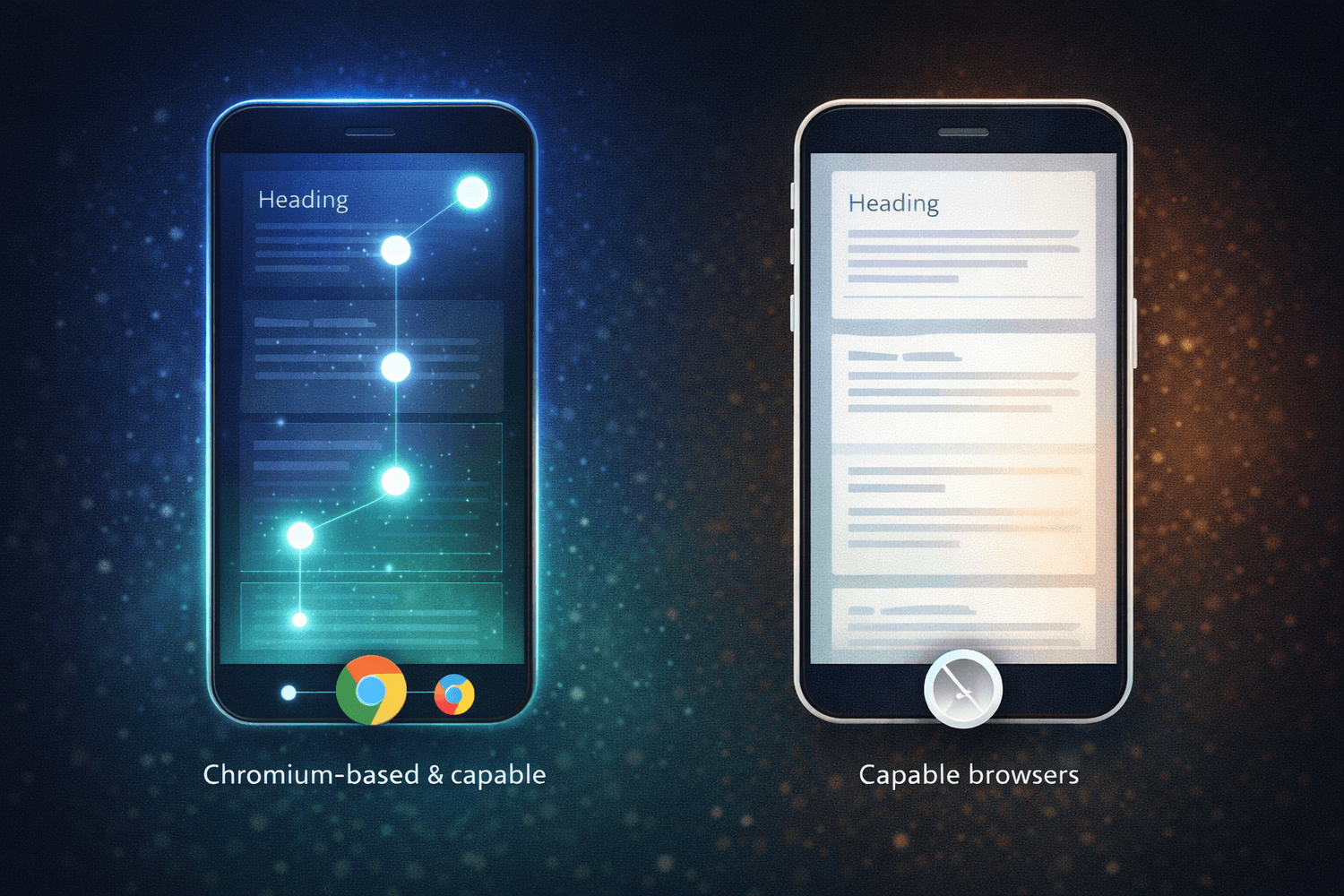
CSS scroll animations are supported well in Chromium based browsers but not yet universally. Progressive enhancement is essential. Core content should be readable and functional even without motion. Treat scroll animation as a visual bonus. Use feature queries like @supports(animation-timeline: scroll()) to conditionally apply motion only where supported.
Providing motion only on capable browsers keeps the experience safe and consistent for all users, especially on mobile devices where performance needs are most critical.
Examples of ROI in Practice
Many modern interfaces use scroll animations to guide attention and retain visitors. Designers use subtle fade ins, scale shifts and position transitions to break up monotony and communicate hierarchy. Good scroll motion directs focus like a visual path. When visitors understand what matters most, they scroll deeper and interact more.
This change also future proofs UI stacks. CSS scroll animation patterns today align with where web standards are heading: declaration over scripts, performance baked in and interaction tied to browser mechanics. That is the win for builders, product owners and users alike.
If you need to get maximum benefit out of these CSS, take direct assistance from experts. The Money Hacker is now offering 1-on-1 Coaching. Here Money Hacker will personally work with the aspirants as per priority for 2 full hours on Google Meet. The session will ensure actionable steps, tools and roadmap for you which you need to finally build a real digital income. Only 3 spots are catered per month. If you want to book your position, click here to join.
Frequently Asked Questions (FAQ)
Scroll driven animation links motion progress to scroll position instead of time. The browser controls playback, which keeps motion smooth and predictable.
Use animation, animation-timeline, and animation-range. Together they bind keyframes to scroll and define when motion starts and ends.
Yes for most reveal and scrub effects. Native CSS timelines remove the need for scroll event handlers in common UI patterns.
Fewer scripts reduce CPU work and speed up interaction. Faster pages support stronger Core Web Vitals signals and better search visibility.
Support is strong in Chromium based browsers. Use @supports(animation-timeline: scroll()) to apply motion only where available.
Use it on cards, section headers, feature blocks and heroes. Keep ranges tight for heroes and broader for long sections to avoid fatigue.
Conclusion
CSS scroll animation with just 3 lines unlocks clean motion and measurable performance gains. Scriptless motion means lighter bundles, faster interactivity and better engagement. Replacing fragile scroll logic with native CSS timelines elevates both readability and ROI. Modern pages deserve polish without sacrifice and this shift makes smooth interaction feel effortless and purposeful.


The Money Hacker