
What Benefits You Get as Gmail Enters the AI Era
Email has always been essential, but it has rarely been pleasant. Overflowing inboxes, long threads and repetitive replies quietly consume time and mental energy. The Gmail AI benefits emerging in 2026 are beginning to change this experience. As Gmail enters the AI era, artificial intelligence is built directly into the inbox to reduce friction, save attention and restore control over digital communication. Rather than adding noise, Gmail AI supports thinking work by summarizing conversations, prioritizing relevance and simplifying responses.
Gmail Steps into the AI Era
Google has expanded Gmail beyond basic message delivery by embedding Gemini AI directly into the inbox. Gmail can condense long conversations, assist with drafting and editing replies and surface important emails automatically. These changes move Gmail into a more assistive role where attention is guided instead of scattered, turning the inbox into a practical support system for daily communication (Google, January 8, 2026, Gmail is entering the Gemini era).
The value of this shift becomes clearer through real usage patterns. The New York Times reports that the newly incorporated AI features of Gmail aim to reduce overload by summarizing content and prioritizing relevant messages. This allows users to move through email faster while keeping context intact, making inbox management easier and less mentally taxing (The New York Times, January 15, 2026, Gmail is Getting Gemini AI Features to Summarize and Prioritize Email).
For creators and professionals, the impact goes beyond convenience. The Money Hacker analysis of Google’s AI ecosystem shows how smarter communication tools reduce routine effort and protect focus. When inbox friction drops, attention can shift toward planning, creative output and income focused work, turning productivity gains into real economic value (The Money Hacker, January 13, 2026, Google Gemini Scale Income).
As Gmail becomes more intelligent, its biggest strength shows up in how it manages attention. Instead of treating every message the same, the inbox begins to understand relevance and urgency in a more human way.
How Gmail Prioritizes Messages
Gmail AI evaluates conversation relevance using context and interaction signals. Important threads stay visible while lower priority messages recede. This keeps attention aligned with what requires action rather than what simply arrives.
What That Means for Your Day
Email becomes quicker to process and easier to control. Users spend less time scanning and more time deciding. Over time, this shift reduces inbox pressure and supports a steadier work rhythm.
Everyday Benefits for Users
The real value of Gmail entering the AI era shows up in everyday use. These changes are not meant for occasional moments. They are designed to reshape how people handle email hour by hour. The benefits become visible when inbox tasks stop interrupting thinking and start supporting it.
Less Time Spent Reading Emails
Gmail AI reduces the need to read every message in long threads. Summaries surface key points so users can understand conversations quickly. This is especially useful in work related discussions where decisions and updates are spread across multiple replies.
Faster Replies with Less Mental Effort
Drafting support lowers the effort required to respond. Users no longer need to start from a blank screen each time. With a clear starting point, replies become quicker and more consistent without losing personal tone.
Clearer Focus on What Requires Action
By prioritizing relevant conversations, Gmail AI helps users identify what needs attention now. This reduces the habit of constant inbox checking and replaces it with more intentional decision making.
Reduced Inbox Stress Over Time
When reading and replying become easier, inbox pressure drops. Over days and weeks this leads to calmer work routines. Email stops feeling urgent all the time and starts feeling manageable.
Advance Level Benefit
Once the basics of AI assistance become familiar, users start noticing benefits that go beyond everyday convenience. These deeper advantages appear when Gmail begins to support thinking and decision making rather than simply handling messages. The result is clearer context, faster retrieval and steadier focus that strengthen daily workflows.
Higher Cognitive Support
Inbox wide questions allow users to access answers across their email history without manual searching.
Context is preserved across long conversations, making it easier to return after time away.
Prioritization based on relevance keeps attention aligned with meaningful work.
These capabilities reduce mental friction and help email fit naturally into complex thinking routines.
Productivity That Feels Strategic
Email integrates into work instead of interrupting it.
Important tasks receive attention before low value messages.
The inbox becomes a tool for organizing action rather than reacting to volume.
This reflects broader shifts in productivity software where AI helps distill information and maintain focus on priorities (The Verge, January 14, 2026, Google’s Gemini AI will use what it knows about you from Gmail Search and YouTube).
Advantage for Savvy Users
These benefits show up most clearly for users who handle email at scale:
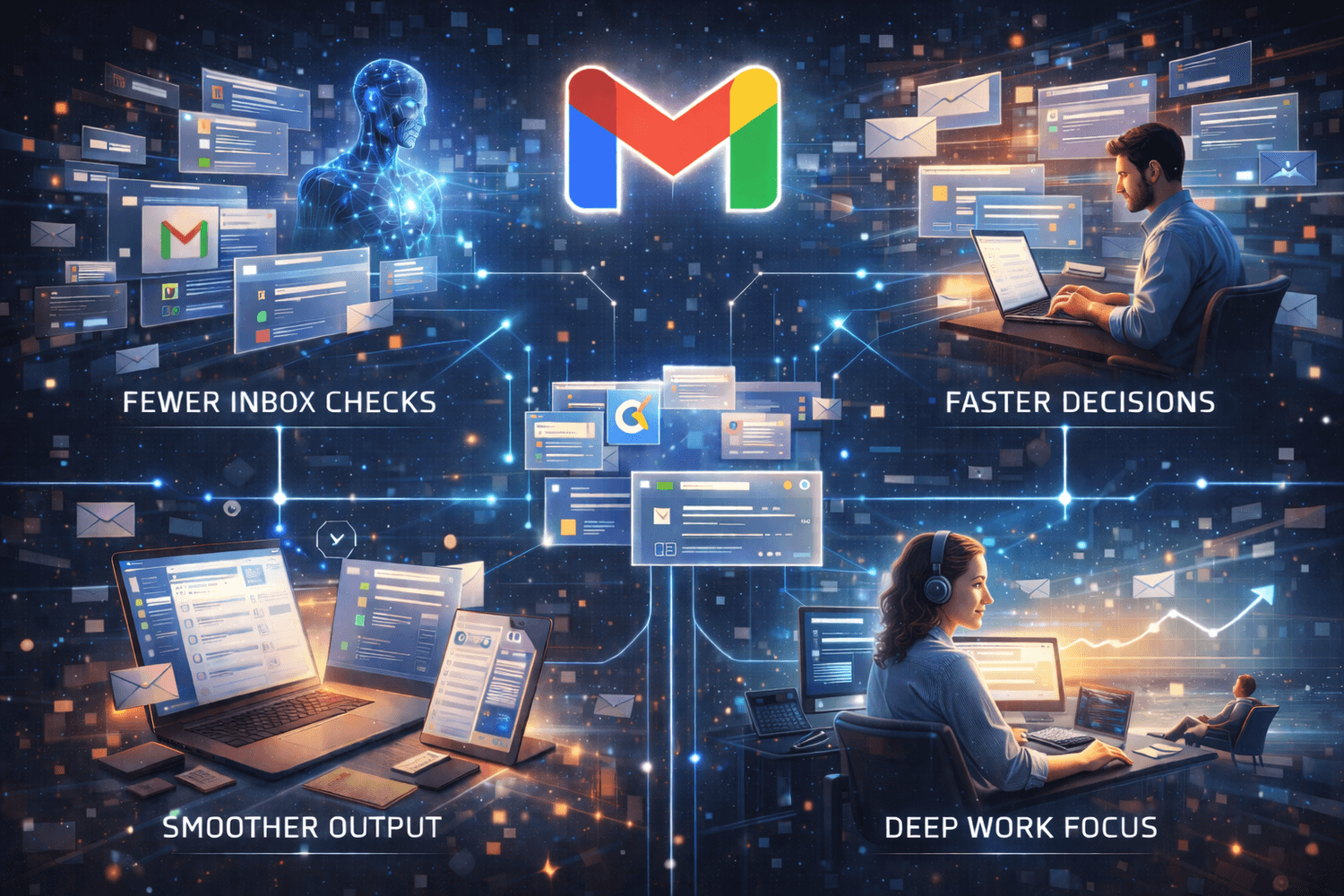
Fewer inbox checks across the day
Faster decisions with context ready
Stronger focus during deep work hours
Smoother output across long workflows
Less mental fatigue from email switching
These advanced benefits align with how modern digital tools support efficiency and attention management across platforms. Internal analysis highlights that understanding workflow signals and user behavior often unlocks meaningful gains in performance (The Money Hacker, December 4, 2025, Google Ads Essentials 2026).
Free vs Paid Gmail AI
What Free Gmail Users Get
Google has made several AI features available to all personal Gmail users at no extra charge. Tools like AI Overviews that summarize long message threads and Help Me Write for drafting emails are rolling out so that everyday users can read and reply faster without extra cost. These foundational capabilities aim to reduce inbox friction and make Gmail more helpful right away (9to5Google, January 8, 2026, Gmail is making these AI features free for all accounts).
What Paid Plans Unlock
Certain advanced AI capabilities are reserved for subscribers to Google’s paid AI plans. According to an industry report, features such as more robust AI search and deeper AI assistance in Gmail are rolling out first to Google AI Pro and Ultra subscribers before wider release (AP News, January 8, 2026, Google adds new AI features to Gmail, turning it into a personal assistant).
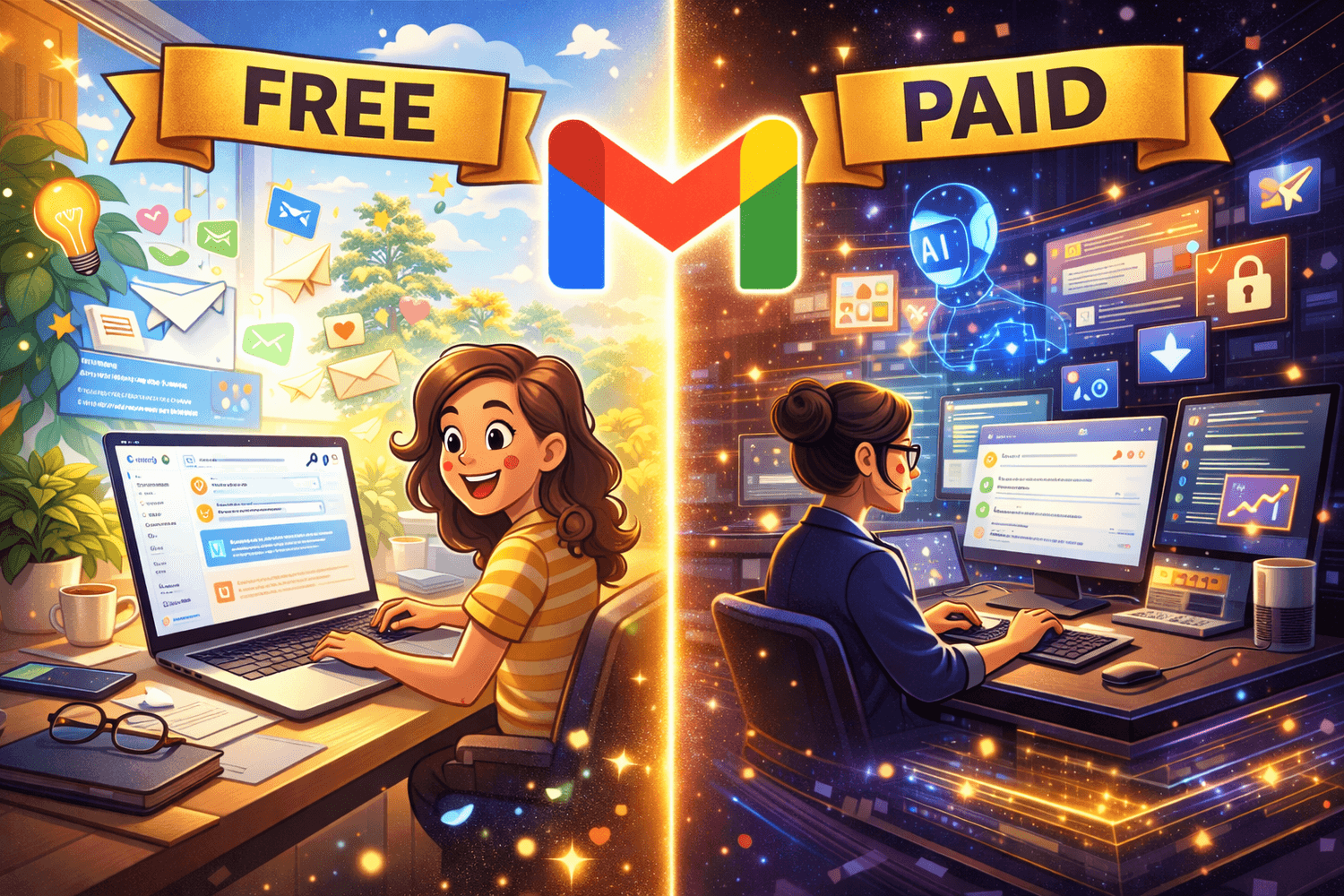
Paid access typically includes the following advantages:
Inbox wide AI search that pulls answers from multiple conversations
More advanced writing and editing assistance for professional communication
Stronger context handling for long running projects and client threads
These features are designed for users whose email workload directly affects productivity and decision making, making paid Gmail AI a strategic tool rather than a convenience upgrade.
This tiered access reflects a broader pattern across AI tools where premium subscriptions unlock support for complex workflows. Internal analysis shows that intentional use of AI in communication and productivity systems can amplify creative capacity and income potential over time (The Money Hacker, October 2, 2025, How $20 ChatGPT Plus Can Help You Earn $20,000 Per Month).
Privacy and User Control
How Gmail AI Uses Your Data
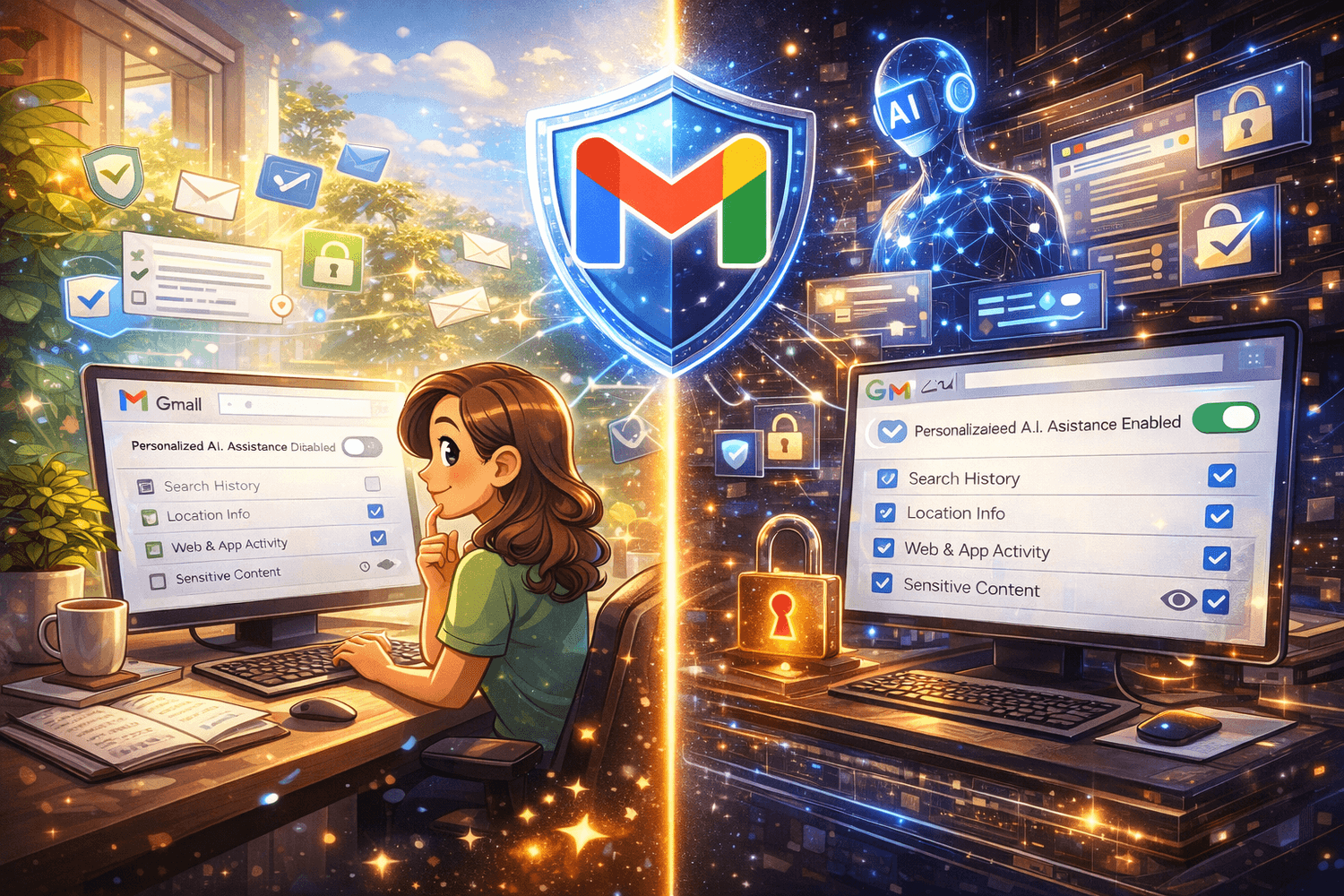
Gmail AI is designed to work with personal context only when users explicitly allow it. Reporting from The New York Times explains that Google’s Gemini powered features in Gmail rely on opt in connections, meaning the system does not automatically scan or connect personal email data across services without user action. The intention is to make AI assistance more helpful while keeping personal data use limited and transparent (The New York Times, January 15, 2026, A.I. Has Arrived in Gmail. Here’s What to Know).
Where User Control Still Matters
Once AI features are available, control shifts to user choices. Settings determine whether personalization is enabled and how much context Gmail AI can use. Sensitive categories remain excluded and users can turn off features that feel intrusive. The balance between convenience and privacy depends less on default behavior and more on informed decisions.
Even with safeguards, awareness matters. Users who review permissions and understand how features operate can benefit from Gmail AI while maintaining control over personal information.
Why Gmail AI Matters for Creators and Professionals
For creators and professionals, email is where ideas move into execution. It is how collaborations progress, projects stay aligned and income related conversations unfold. Gmail AI matters because it reduces the friction that slows this process. When inbox management becomes lighter, attention can shift toward creative thinking and strategic work that compounds over time.
Where the Real Advantage Shows Up
Faster replies without sacrificing clarity or tone
Less time spent revisiting long client or collaborator threads
Better continuity across projects that stretch across weeks
When communication friction drops, creators can maintain momentum instead of constantly catching up. Internal analysis shows that consistent output often depends on reducing low value effort across daily workflows, especially communication (The Money Hacker, January 14, 2026, Endless Content Ideas for Creators).
Why This Impacts Earnings and Business Growth
More mental space for planning and execution
Smoother coordination with partners and clients
Fewer interruptions during focused work sessions
Internal research highlights that creators and entrepreneurs who integrate AI into their communication systems often run leaner and more efficient operations. Gmail AI fits naturally alongside other AI driven tools used to manage content, outreach, and business processes (The Money Hacker, November 3, 2025, 11 AI Tools to Run a Business).

For ensuring maximum benefit out of any newly incorporated features of this type, you can join $100K Money Hackers. Here you will get 35 AI tools for just $1/month. They will help you in your online business, dating life, fitness journey, to have fun and so much more! Be with the Skool Community and enjoy your time.
If your intention is to earn money quickly, get free access The Quick $750 Hack.
In any case, be aware of scams. It can destroy all your good efforts within no time. For identifying scam, you can use Freelance Scam Detector AI. Just drop the project link or post and it will analyze the client, payment terms and contract risks saving you from fake offers and shady deals.
Frequently Asked Questions (FAQ)
Gmail AI summarizes long threads and highlights decisions. Client context appears instantly without scrolling. Time saved goes back into paid work.
Smart prioritization keeps urgent conversations visible. Low value messages fade naturally. The inbox feels calmer across long workdays.
Draft assistance offers clear starting points. Tone stays human after light edits. Responses feel consistent across projects.
Thread summaries remove reading overload. Priority sorting protects focus. Writing support speeds communication without shortcuts.
Inbox wide AI search saves retrieval time. Context remains intact across weeks. Complex workflows feel easier to control.
Feature settings guide relevance and privacy. Intentional use replaces constant checking. Attention stays aligned with meaningful output.
Conclusion
The shift to AI powered email is no longer theoretical. The most practical Gmail AI benefits appear in faster reading, clearer priorities and reduced mental strain across daily communication. As Gmail becomes more assistive, the inbox moves away from constant interruption and toward deliberate work. With thoughtful privacy choices and intentional use, email becomes calmer, lighter and better aligned with how people actually think and operate.


The Money Hacker