
How Smart Creators Use Microsoft Copilot to Save Time and Money
Creators rarely fail because of lack of talent. Most struggle because time slips away through friction. Friction hides inside emails, drafts, spreadsheets, meetings and constant tool switching. Microsoft Copilot offers relief for creators, but only when treated as a business system instead of a novelty. The smart move is treating Copilot like a junior operator with guardrails, not a magic wand.
Start with Microsoft Copilot for Creators
Copilot delivers value when it lives inside tools shaping daily work. Word supports writing. Excel organizes figures while revealing financial patterns. PowerPoint frames concepts as persuasive visual stories. Outlook coordinates exchanges across clients plus partners. Teams connects collaboration within one shared space. Microsoft designed Copilot to operate within this ecosystem rather than outside it (Microsoft, March 16, 2023, Introducing Copilot for Microsoft 365).
This placement changes behavior at a fundamental level. Creative output already exists across drafts, sheets, slides, inboxes and meeting records. Extra platforms no longer interrupt the process. Manual copying becomes unnecessary. Mental shifts between tools reduce naturally. Support shows up exactly where ideas form. Thought flow stays intact. Steady flow builds rhythm. Strong rhythm increases finished work. More finished work opens wider earning paths.

Price It Like a Business Tool
Microsoft introduced Copilot for Microsoft 365 with enterprise pricing set at 30 dollars per user per month, positioning it as a serious operating cost tied to results rather than convenience. There is no newer official pricing announcement from Microsoft after September 21, 2023, which makes this reference the current and valid benchmark (Microsoft, September 21, 2023, Announcing Microsoft 365 Copilot general availability and Microsoft 365 Chat).
Seen through a business lens, the fee buys speed. Faster completion shortens delivery cycles. Shorter cycles improve cash timing. Stable timing reduces pressure across active projects.

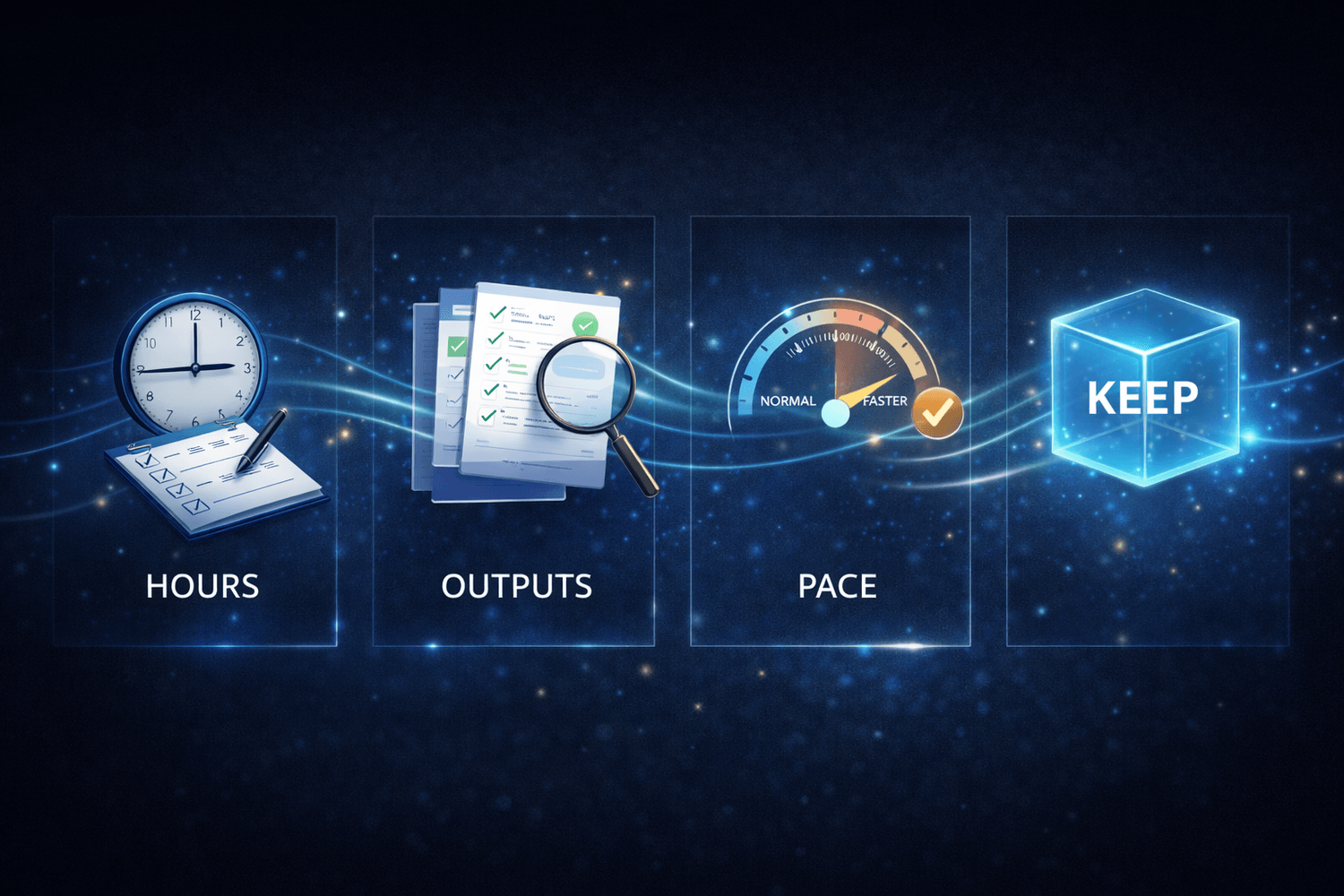
Adoption works best as a short proof window backed by observation. Check the followings:
Note hours freed from writing, analysis or coordination
Track finished outputs during the test period
Compare delivery pace against a normal workload
Continue only when value appears clearly
Treat Copilot like any other business asset. Keep it only when it earns its place. Financial freedom grows when tools prove their worth through results.
Prompts That Drive Profit
Copilot responds to direction, not guesses. Clear instructions shape outputs that can be used right away. Strong inputs state the goal, expected structure, voice and reader. Microsoft turned this into a practical system through the Copilot Prompt Gallery, which cuts trial time and accelerates real adoption inside workflows (Microsoft Learn, January 16, 2025, Understand Copilot Prompt Gallery).
The value of structured prompts is not theoretical. When creators categorize prompts with purpose, tools generate more useful, varied text without repetitive rewrites. For example, grouping prompts into clear emotional or structural categories lets an AI system produce many unique outputs from one intentional direction, saving hours that normally get lost in rewrites and overthinking (The Money Hacker, December 25, 2025, 6 Best Category Prompts to Create 150 Christmas Welcome Messages).

Creators who save tested prompt templates build repeatable speed. Proposal pages come together without friction. Rewrite rounds shrink naturally. Email sequences take shape with less effort. Summaries arrive clean and ready for use. Mental space stays protected for pricing, positioning and deal strategy. That protection turns efficiency into income advantage.
Turn Meetings into Action Items
Meetings are where creator time gets eaten alive. Copilot in Teams can answer questions using meeting info when a transcript exists and it also relies on chat when no transcript is available (Microsoft Support, June 13, 2025, Frequently asked questions about Copilot in Microsoft Teams).
Start with Structure
Enable transcription before discussion begins. Shared context forms instantly. Nobody scrambles to remember later.
Force Decisions
Request clear outcomes before the meeting ends. Decisions anchor progress. Ambiguity disappears.
Capture Tasks Cleanly
Ask for concrete action items written in plain language. Clarity removes follow up confusion.
Move Fast After
Paste tasks straight into a tracker. Momentum stays alive. Execution replaces memory work.

Chase Time Savings with Proof
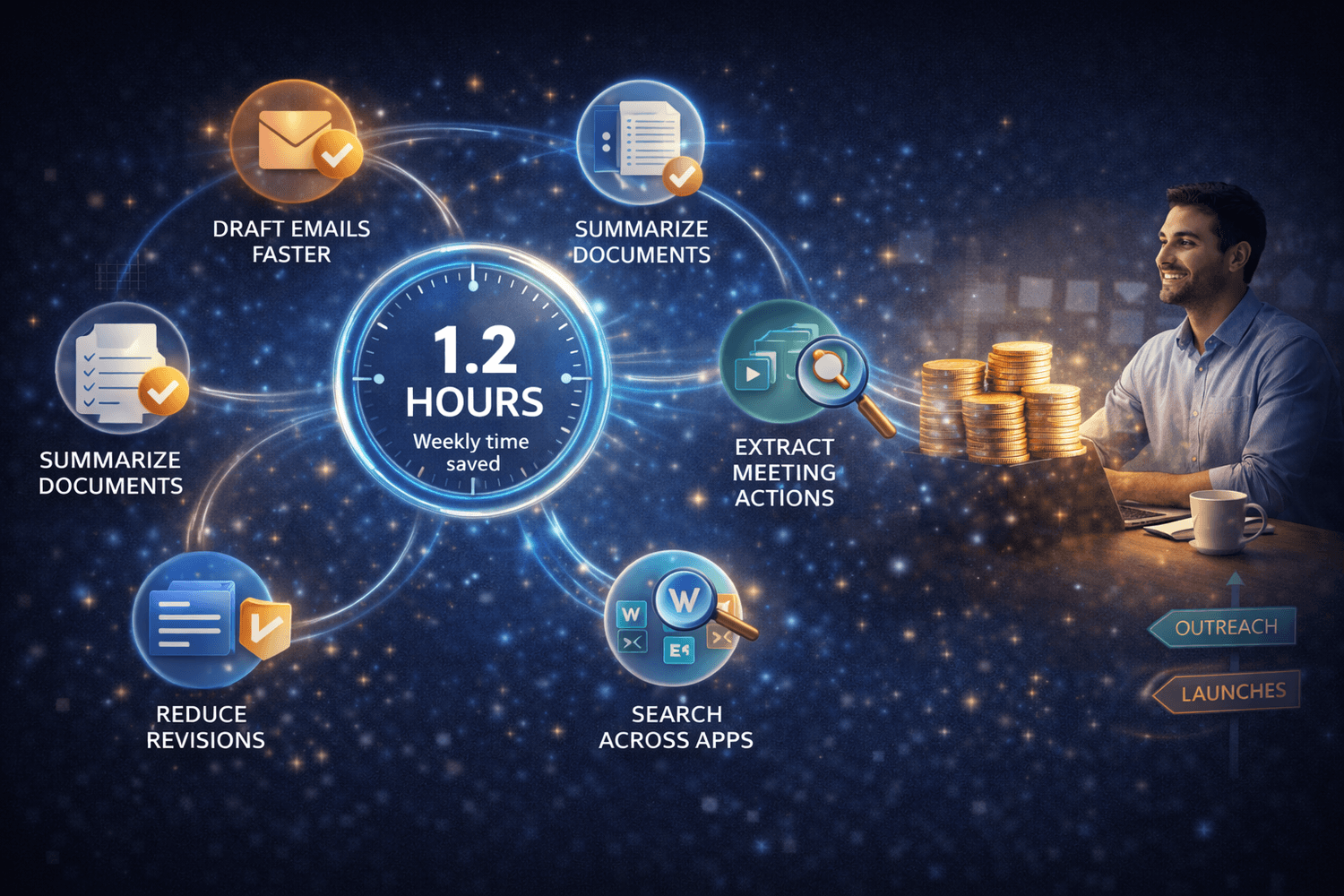
Microsoft research shows early Copilot users reclaimed an average of 14 minutes each day, adding up to 1.2 hours weekly, through practical workflow changes rather than abstract gains. Time came from faster email drafting, instant document summaries, quick extraction of meeting actions, reduced revision loops and less searching across Word, Excel and Teams, as routine cognitive load shifted to assisted first passes and organization (Microsoft WorkLab, November 15, 2023, What Can Copilot’s Earliest Users Teach Us About AI at Work?).
Those minutes are not trivial. They stack quietly into usable hours. Extra time can fuel outreach, refinement, launches or skill growth. Freedom does not come from saving time alone. It comes from directing reclaimed time toward work that actually pays.
Steal This Creator Workflow
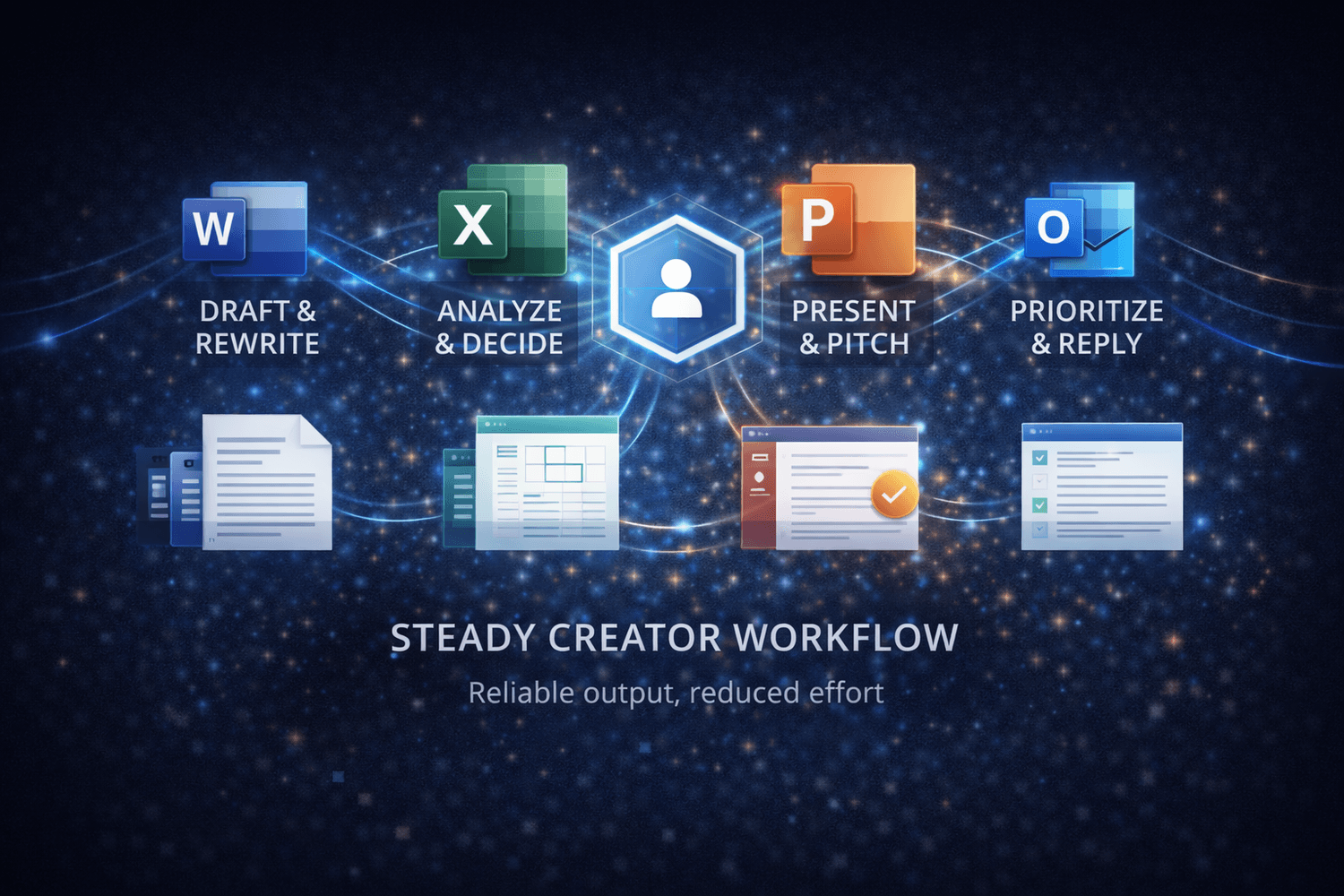
Copilot works best as a loop, not a button. Smart creators assign it clear roles inside daily work instead of random experimentation. That structure turns speed into reliability.
Word handles first drafts, rewrites and tone shifts
Excel cleans numbers, surfaces patterns and simplifies decisions
PowerPoint converts documents into pitch ready decks
Outlook compresses replies and highlights priority threads
This workflow protects creative judgment while removing friction. Less energy goes into setup. More energy stays with delivery and closing.
Creators who design workflows instead of chasing tools build income stability faster. The Money Hacker has already broken down how system driven output helps freelancers and solo builders scale without burnout (The Money Hacker, December 06, 2025, 11 Best AI Tools and Only You Are Enough to Run a Business).
Copilot Cost vs Return
Copilot should be evaluated through impact, not novelty. Its real strength appears when artificial intelligence amplifies tools already embedded in daily creation, communication and coordination. Value emerges from integration, not isolation.
Value Multiplier Effect
Copilot reshapes returns by enhancing writing, spreadsheets, presentations and collaboration inside Microsoft 365. When intelligence sits across the full stack, gains accumulate quickly instead of appearing in fragments. A Forrester study commissioned by Microsoft highlights projected ROI ranges for small and mid sized businesses while also mapping license costs within its economic model (Forrester, October 2024, New Technology: The Projected Total Economic Impact™ Of Microsoft 365 Copilot For SMB).
Embedded Advantage
Microsoft expanded Copilot across core applications rather than packaging it as a separate add on. That decision increases the overall worth of Microsoft 365 itself and positions Copilot as an embedded productivity layer woven into everyday activity (The Money Hacker, December 18, 2025, Microsoft 365 Doubles Value With Copilot Expansion).

Creator Economics
This shift matters for creators because tool stacks shrink. Fewer platforms reduce switching. Reduced switching smooths rhythm. Smooth rhythm supports predictable output patterns, which matter more for income stability than occasional spikes.
Simpler Systems Win
Costs feel lighter when one subscription replaces several scattered services. Simpler systems protect focus. Protected focus supports consistency. Consistency accelerates progress toward financial freedom.
Guardrails Creators Must Set
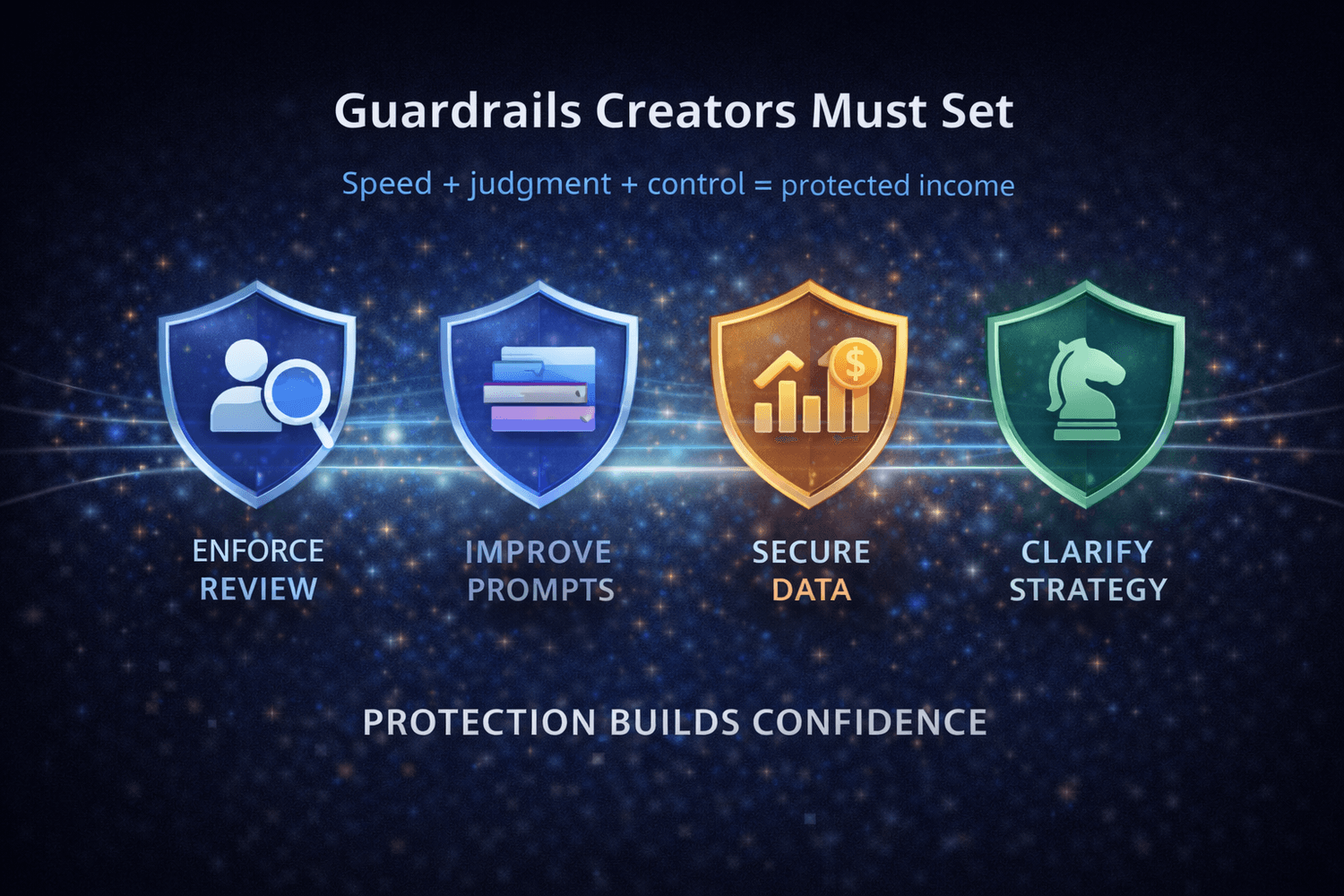
Copilot accelerates work, but speed without judgment creates risk. Accuracy protects trust. Trust compounds value. Creators who care about long term income treat Copilot as support rather than authority.
Clear rules keep speed from turning into mistakes are as follows:
Human review remains mandatory
Reusable prompt libraries improve accuracy
Financial data stays controlled
Output aligns with positioning
Clear limits shield reputation. Confidence invites demand. Sustainable income grows through patience.
For gaining confidence, you need to learn and you should have the proper tool to move on. To equip yourself more, you can join $100K Money Hackers. Here you will get 35 AI tools for just $1/month. They will help you in your online business, dating life, fitness journey, to have fun and so much more! Be with the Skool Community and enjoy your time.
If you want to earn money quickly by any means in online domain, access The Quick $750 Hack. It is completely free for you. Remember, your financial freedom is our commitment.
Frequently Asked Questions (FAQ)
Microsoft Copilot reduces friction inside Word, Excel, Teams and Outlook. Drafts, summaries and action items appear faster, which shortens delivery cycles.
Value depends on finished output speed. Faster turnaround improves cash flow and reduces mental load across active projects.
Writing drafts, cleaning data, summarizing meetings and preparing presentations show the strongest gains. These tasks benefit from assisted first passes.
Many subscriptions become unnecessary once workflows centralize inside Microsoft 365. Fewer platforms improve focus and consistency.
Human review stays essential. Clear prompt libraries plus positioning rules protect accuracy and trust.
Stable workflows support predictable delivery. Predictable delivery strengthens client confidence and repeat revenue.
Conclusion
Microsoft Copilot for creators becomes a money tool when it is treated like a workflow engine rather than a novelty. Time saved is step one. The real win comes from turning saved time into assets that sell, deals that close and habits that keep momentum alive. Build a prompt bank. Use meeting recaps. Track minutes saved. Reinvest those minutes into work that actually changes income.


The Money Hacker